Job management software for electricians.
Forward an enquiry email and the consumer unit swap is in your job list with the customer's details already filled in. Quote it from your price list, see it accepted online, and raise the invoice from the accepted quote.
30 days free, then £25 a month. No card details to start.
The old way vs grafter.ly
The enquiry
The old way
It's buried somewhere across WhatsApp, texts and voicemail.
With grafter.ly
Forward the email and it lands in your job list with the details already filled in — and what's still missing listed.
The quote
The old way
You type it up in Word at 9pm.
With grafter.ly
You build it from your price list and send it from the van.
The wait
The old way
You end up ringing to ask whether they got it.
With grafter.ly
They accept it online and you see it happen.
The invoice
The old way
It goes out whenever you next get a minute.
With grafter.ly
You raise it from the quote in a couple of taps.
Getting paid
The old way
You're waiting on a bank transfer they promised on Friday.
With grafter.ly
With Stripe connected, every invoice carries a card link, and the reminders send themselves.
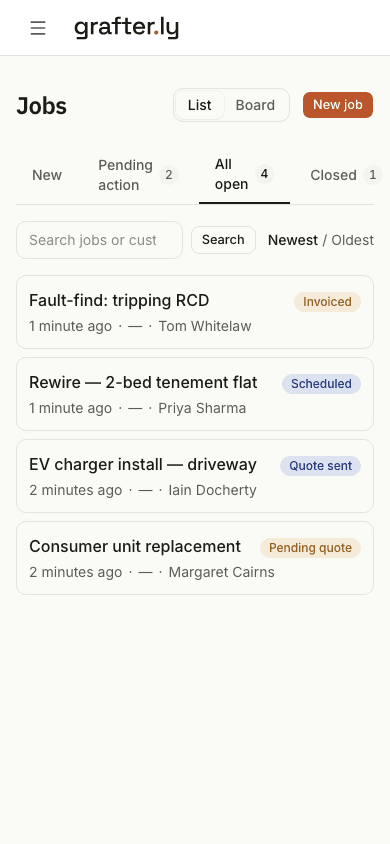
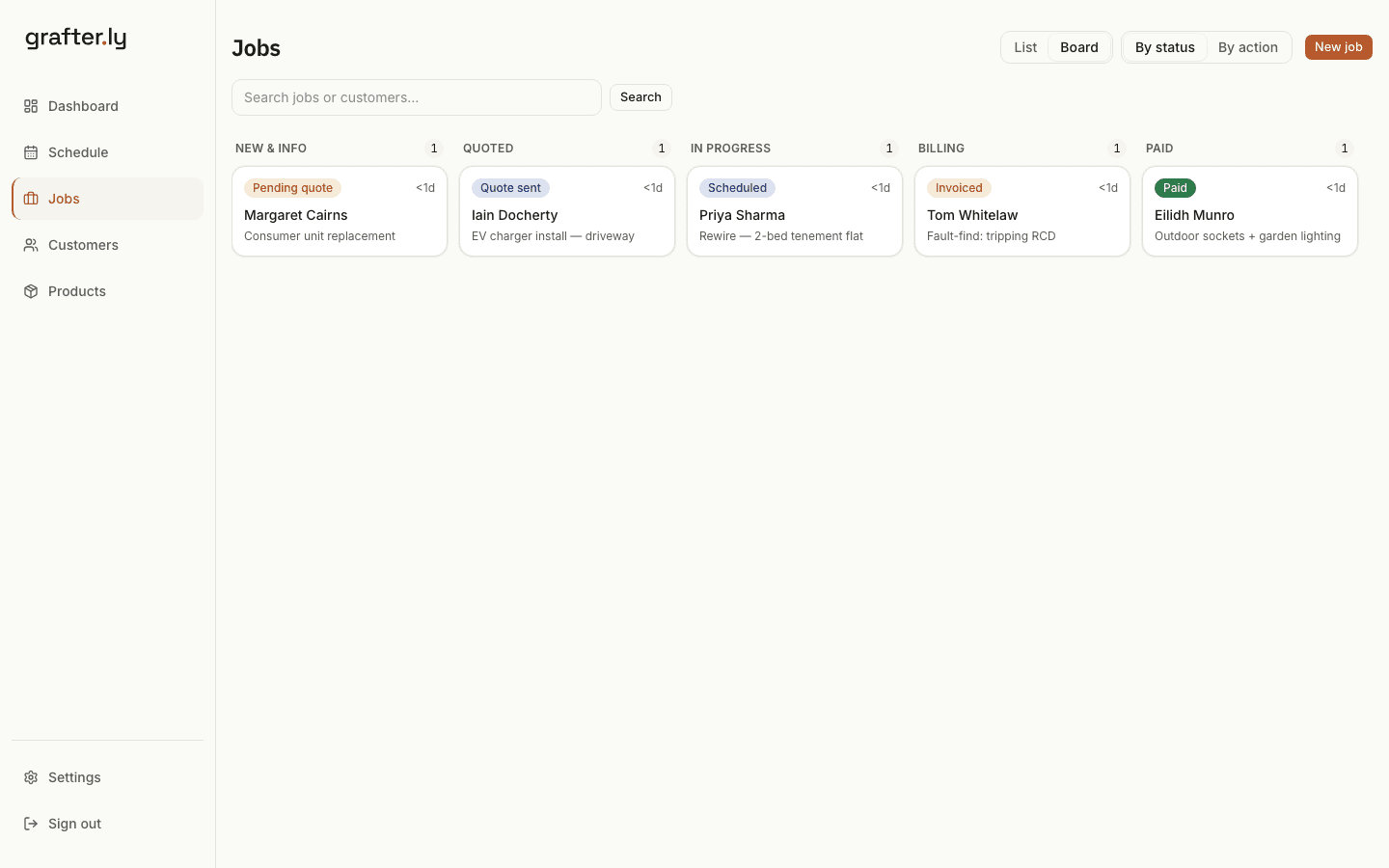
One screen shows every job you've got on.
Every job you haven't finished sits in one list, from the first enquiry through to getting paid. You can see at a glance what's waiting on you and what's waiting on the customer.
- Forward an enquiry and it becomes a job
- What they already told you is pulled out; the questions they didn't answer go back in two taps
- Your invoices sync to Xero
- Your customer accepts the quote online
- Connect Stripe and every invoice carries a card payment link
- Payment reminders go out on their own
- When you do want to nudge someone, it's one tap
- Upload an Excel or CSV of your jobs and they're all in
Recurring work
The EICR that comes back round in five years.
The re-inspection cycle is the work you have already earned. The customer forgets, and whoever reminds them wins it. That reminder is a date, and dates are something software is good at.
- Set the next inspection when you finish this one, and the job raises itself when it falls due.
- A guide price before you drive out, so a fuse-board enquiry that was never going to be your job stops costing you an evening.
- The board enquiry arrives with what they already told you and what is still missing listed.
- Certificates stay in whatever cert app you already use. We are not rebuilding that fight.
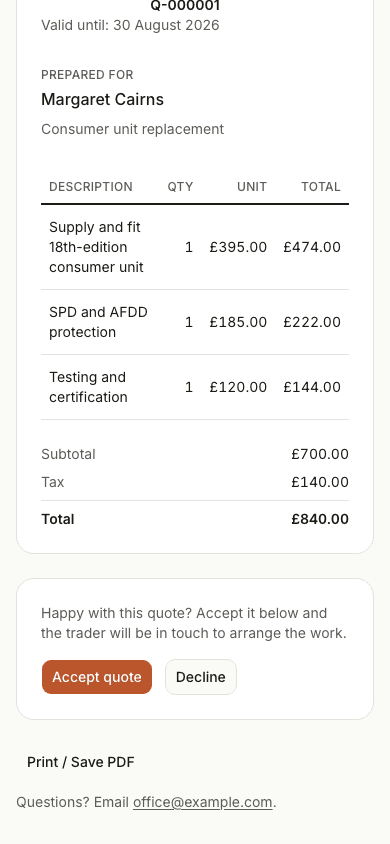
The quote your customer gets.
They open a link on their phone, see the price laid out properly, and accept it online. There's no app to download and no account to make. You see it the moment they do.
Common questions
- How do enquiry emails become jobs?
- Forward the email to your grafter.ly address and it becomes a job with the customer and work details filled in. You check the details before anything goes to the customer.
- How do I check an enquiry has what I need to quote?
- The job is matched to the kind of work it is and lists what you still need to price it. Tap Ask the customer and the questions go out by email under your business name; they reply straight to you, or answer on a page with photos. If the job usually needs a look first, they can pick a morning or afternoon from your free days.
- Does it produce EICRs or electrical certificates?
- No. Certificates stay in your certificate app. grafter.ly handles the rest of the job: the enquiry, the quote, the booking, the invoice and the payment.
- Does my customer need an app to accept a quote?
- No. They open a link on their phone, see the price laid out, and type their name to accept. You see it the moment they do.
- How much does it cost?
- £25 a month after your first 30 days free. No card details to start, no contract, no setup fee. Card payments carry Stripe's fee and we add nothing on top.
- Does it work with Xero?
- Yes. Connect Xero once and every sent invoice copies across with the customer attached. When a payment is recorded in Xero, the invoice here shows paid too.
- Can I bring my existing jobs in?
- Yes. Upload an Excel or CSV, check the preview, and your jobs are in. You don't need to import anything to start, though. One forwarded enquiry is enough.
Try it on your next enquiry.
Set it up yourself in minutes. No sales call, no card, no drip emails.
30 days free, then £25 a month. No card details to start.